





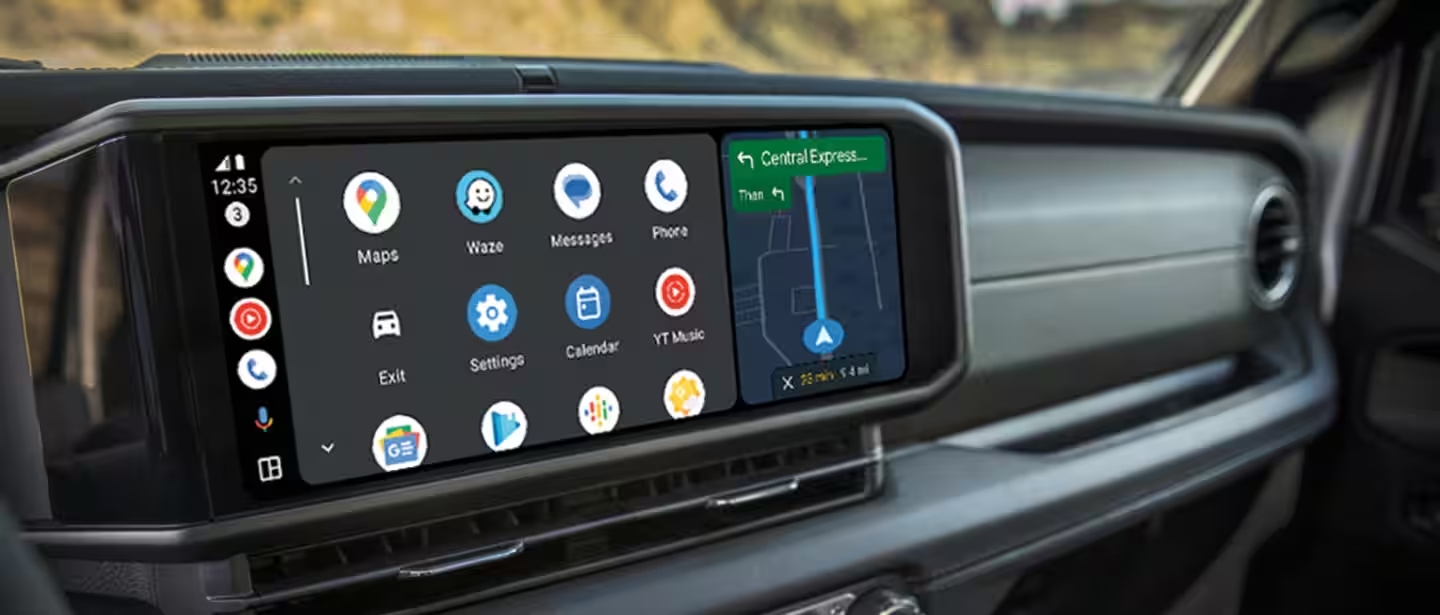
Why Connect Your Phone to Jeep UConnect?
Connecting your smartphone to Jeep UConnect transforms your driving experience.
With UConnect, you can enjoy:
- Hands-free calling and texting
- Music streaming from your favorite apps
- Navigation and real-time directions
- Voice command controls
At Chris Crain Chrysler Dodge Jeep Ram Fiat in Benton, AR, we believe in making your drive smarter and safer. Here’s your easy guide to pairing your phone and exploring everything UConnect has to offer!
What Is Jeep UConnect?
UConnect is Jeep’s premium infotainment system that blends entertainment, connectivity, and convenience into one smart, easy-to-use touchscreen.
Available on popular models like the Jeep Wrangler, Jeep Grand Cherokee, Jeep Compass, and Jeep Gladiator, UConnect keeps you connected without distraction.
With UConnect, you can:
- Make and receive calls
- Send and read text messages
- Stream music and podcasts
- Get GPS navigation
- Use advanced voice commands
Preparing Your Smartphone for UConnect
Before pairing, make sure your phone is ready:
- Turn on Bluetooth — Go to your phone’s Settings and switch Bluetooth ON.
- Make your phone discoverable — In Bluetooth settings, allow your phone to be visible to new devices.
This setup ensures your Jeep’s UConnect system can find and connect to your phone easily.
How To Access UConnect Settings in Your Jeep
Ready to pair? Here’s how to open the UConnect menu:
- Tap the Phone icon on your Jeep’s touchscreen.
- Choose Settings or Phone Settings.
- Select Paired Phones or Bluetooth Devices.
- Tap Add Device or Pair a Phone to start the connection process.
Tip: If you can’t find the menu, check your Jeep’s owner’s manual or the UConnect website for model-specific help.
Pairing Your Phone with UConnect
Follow these steps to complete the connection:
- Open your phone’s Bluetooth settings.
- Look for “UConnect” in the list of available devices.
- Tap “UConnect” to connect.
- Enter the PIN code shown on the UConnect screen (if prompted).
- Confirm the connection — your phone is now paired!
You may also be asked to allow access to contacts, call history, and texts. Accepting these permissions gives you full hands-free functionality.
Syncing Contacts and Music
Once paired, you can sync your phone’s data:
- Contacts — Go to the UConnect phone menu, select “Contacts,” and sync your address book for easy hands-free calls.
- Media — Connect via USB or Bluetooth, then tap “Media” on the screen to stream your playlists, podcasts, and more.
Having everything at your fingertips makes every drive easier and safer!
Common UConnect Connection Problems and How to Fix Them
Running into trouble? Here are some quick fixes:
- Failed connection: Restart your phone and Jeep, delete the UConnect profile from your phone, and try pairing again.
- Incompatible devices: Some older phones may not work. Check Jeep’s list of supported devices if you’re unsure.
- Poor audio quality: Disconnect and reconnect Bluetooth, check volume settings, and make sure nothing is muted.
Still stuck? Visit our team at Chris Crain CDJRF — we’ll help troubleshoot it for you!
Bonus Features of UConnect
Your UConnect system can do even more:
- Voice Commands: Make calls, send texts, change music, or set a destination with simple voice commands.
- Navigation: Send directions from your phone’s map app straight to UConnect.
- SiriusXM Radio: Enjoy endless music, news, sports, and entertainment with built-in SiriusXM compatibility.
UConnect keeps you entertained and in control — without ever taking your hands off the wheel.
Visit Chris Crain CDJRF for UConnect Help and More!
Need help setting up your phone, learning UConnect features, or want a hands-on demo?
Visit Chris Crain Chrysler Dodge Jeep Ram Fiat in Benton, AR!
Our experts can walk you through everything, show you additional Jeep technology features, and even set up your next test drive.
Contact us today — and discover how easy and fun it is to stay connected with Jeep UConnect!
Connect with us


- 2025 Dodge Vehicles
- 2025 New Jeep Vehicles
- 2025 Ram
- 2026 Jeep
- Arkansas Car Shows
- Benton Chrysler Service
- Benton Local
- Chris Crain CDJRF
- Chris Crain CDJRF Service
- Chris Crain Chrysler Dodge Jeep Ram Fiat
- Chrysler
- Chrysler Comparison
- Dodge Charger
- Dodge Comparison
- Dodge Vehicles
- Jeep Comparison
- Jeep Off-Road Features
- Jeep Technology
- Muscle Car Performance
- Ram Trucks
- Tires
- Uconnect Technology
- Uncategorized